ReliCheck MM Studio
Two strands. One finding.
Mixed methods software for the Mac. Let the numbers and the words become one defensible story.

Apple Silicon · macOS 14 or later · notarized by Apple · v6.0.22 · 14-day free trial
Two strands. One finding.
Mixed methods software for the Mac. Let the numbers and the words become one defensible story.
Apple Silicon · macOS 14 or later · notarized by Apple · v6.0.22 · 14-day free trial
Most tools treat mixed methods as two analyses stapled together at the end. Here the numbers and the narrative meet early and keep meeting, so the joint story is built rather than reconstructed.
Inferential tests with effect sizes and diagnostics, ready to integrate rather than sitting in a separate file waiting to be described in prose later.
Code open-ended responses and interviews into themes, with exemplar quotes carried through to integration instead of retyped at the end.
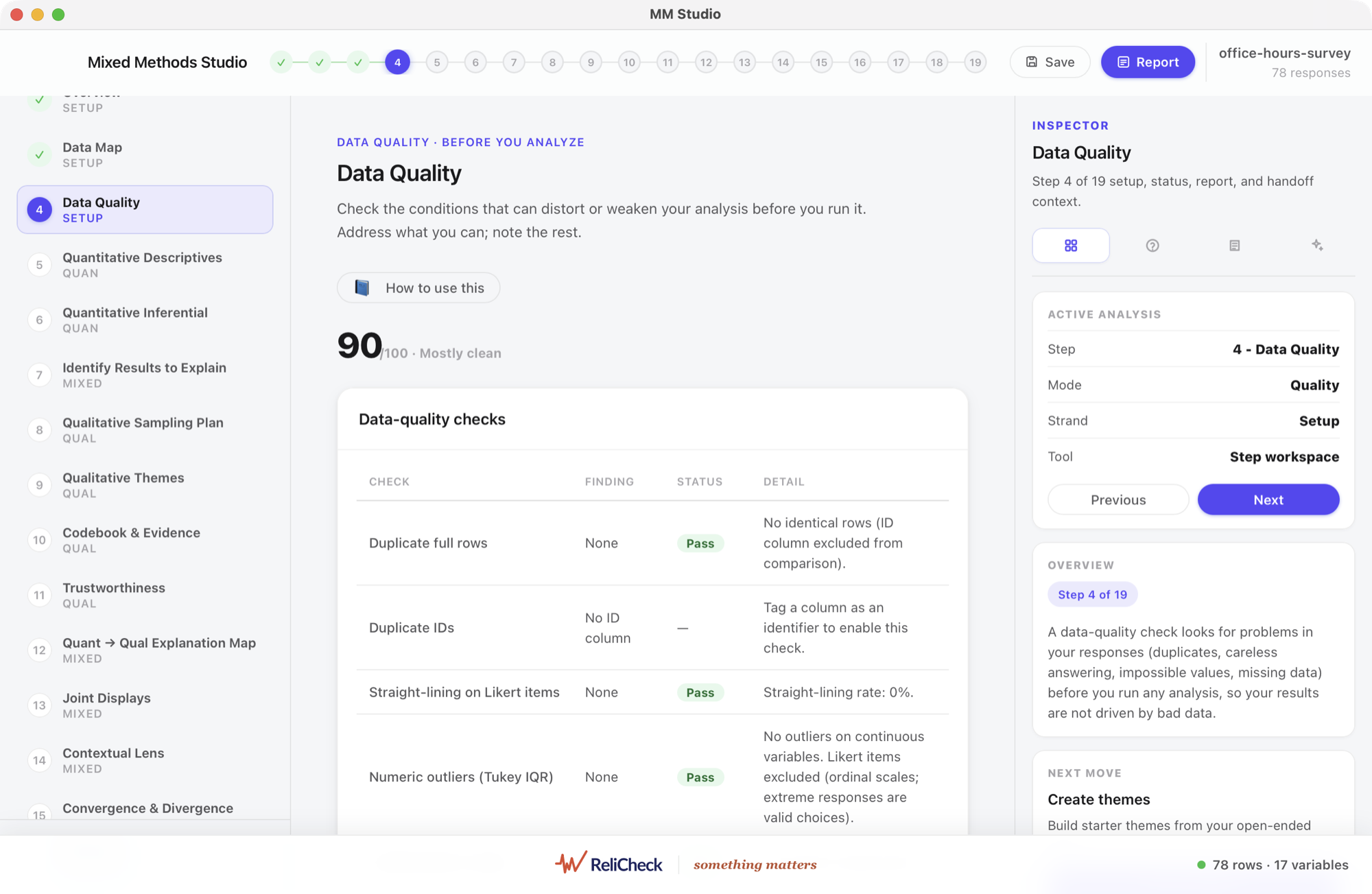

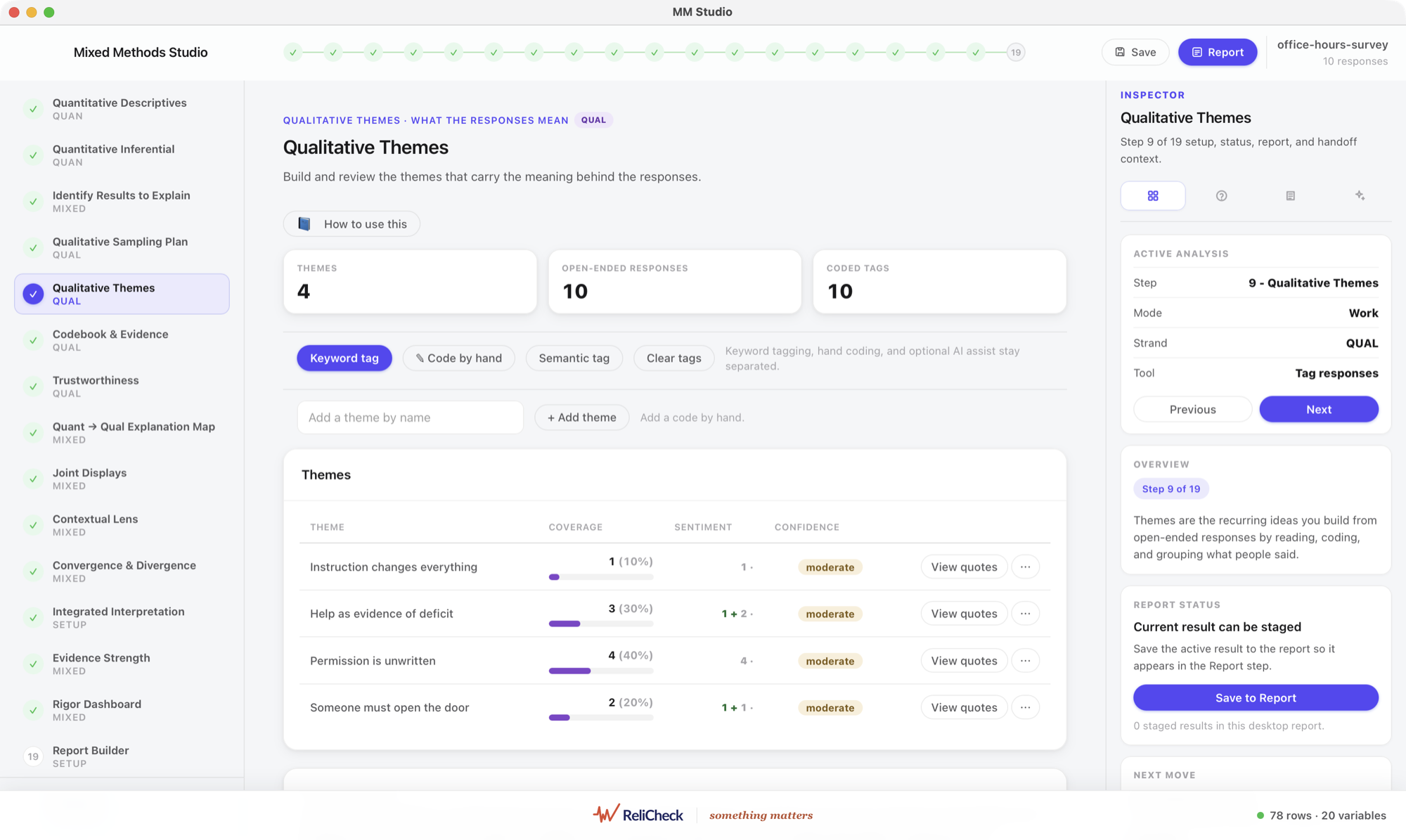
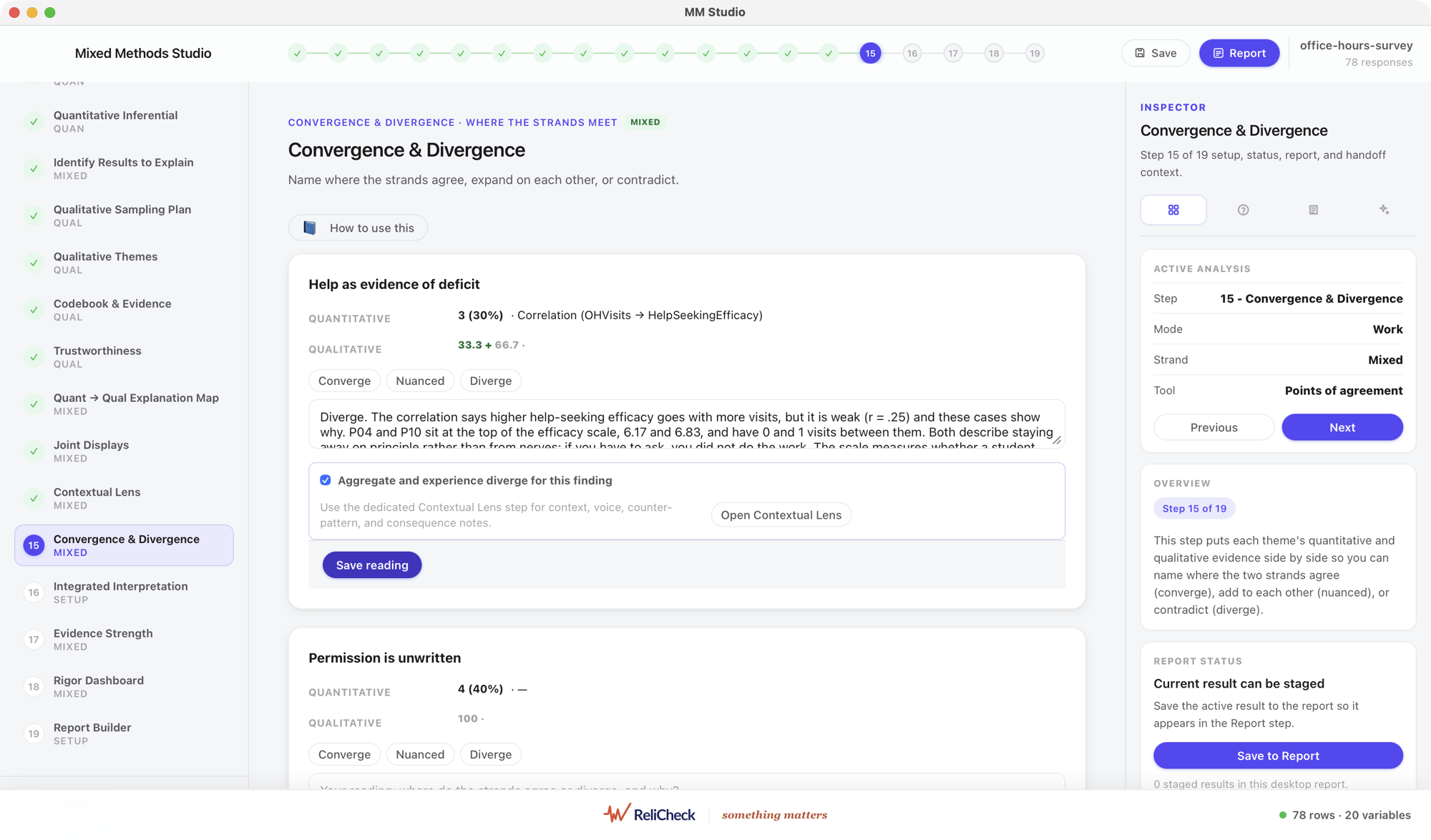
Then the step other tools skip: the strands meet.
Pair a quantitative result with a qualitative theme and record what they mean together: where they converge, where they diverge, and where one expands the other.
When the strands agree you have confirmation. When they disagree you have the most interesting paragraph in the paper, and it is the easiest one to quietly drop.
Every cell carries a rating. Each integrated claim has to say how hard it can be leaned on, one claim at a time, while the evidence is still in front of you.

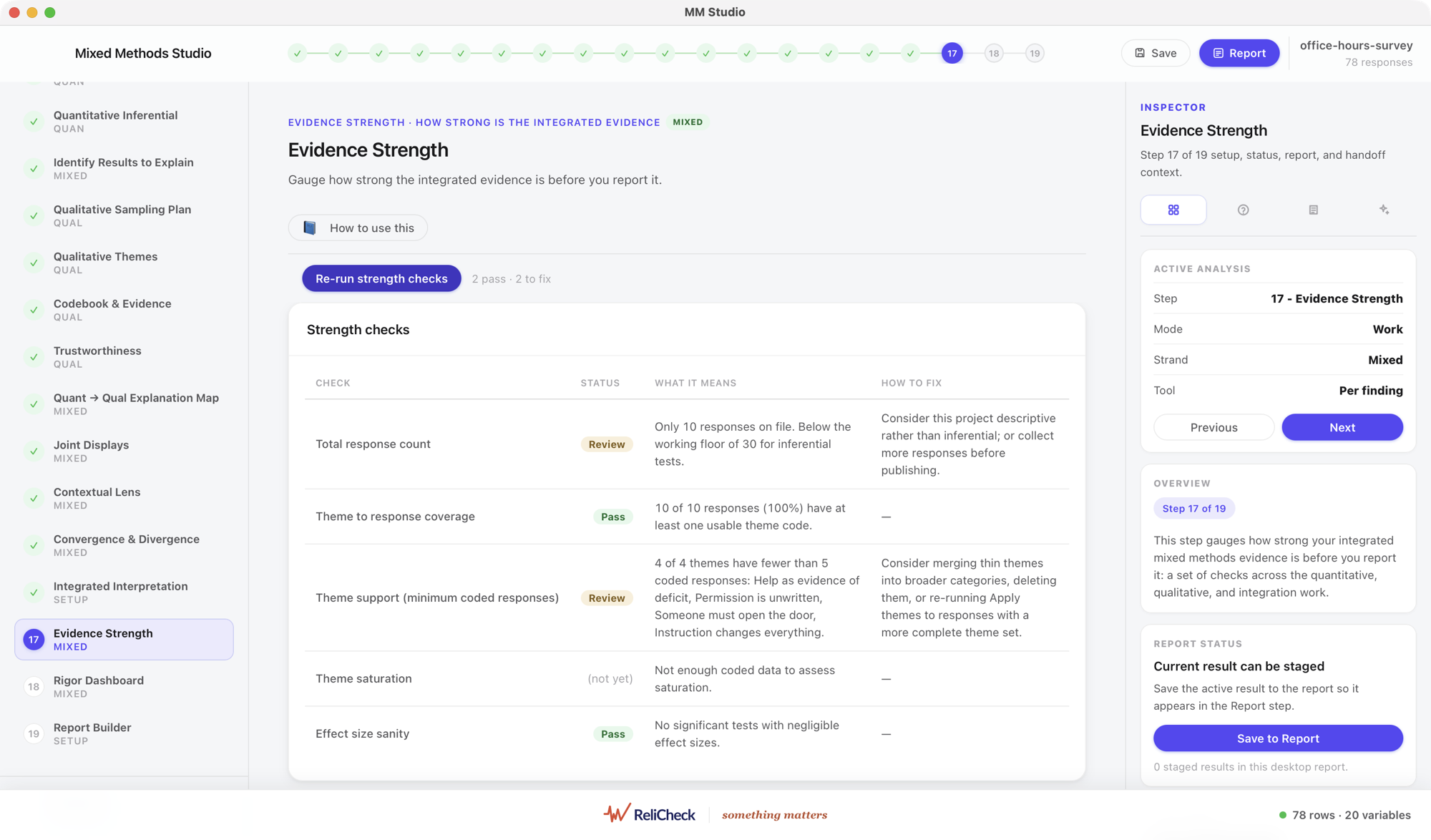
And the write-up follows the design you actually chose.
Convergent, explanatory sequential and exploratory sequential are first-class choices, and the workflow adapts to the one you pick rather than assuming a single shape.
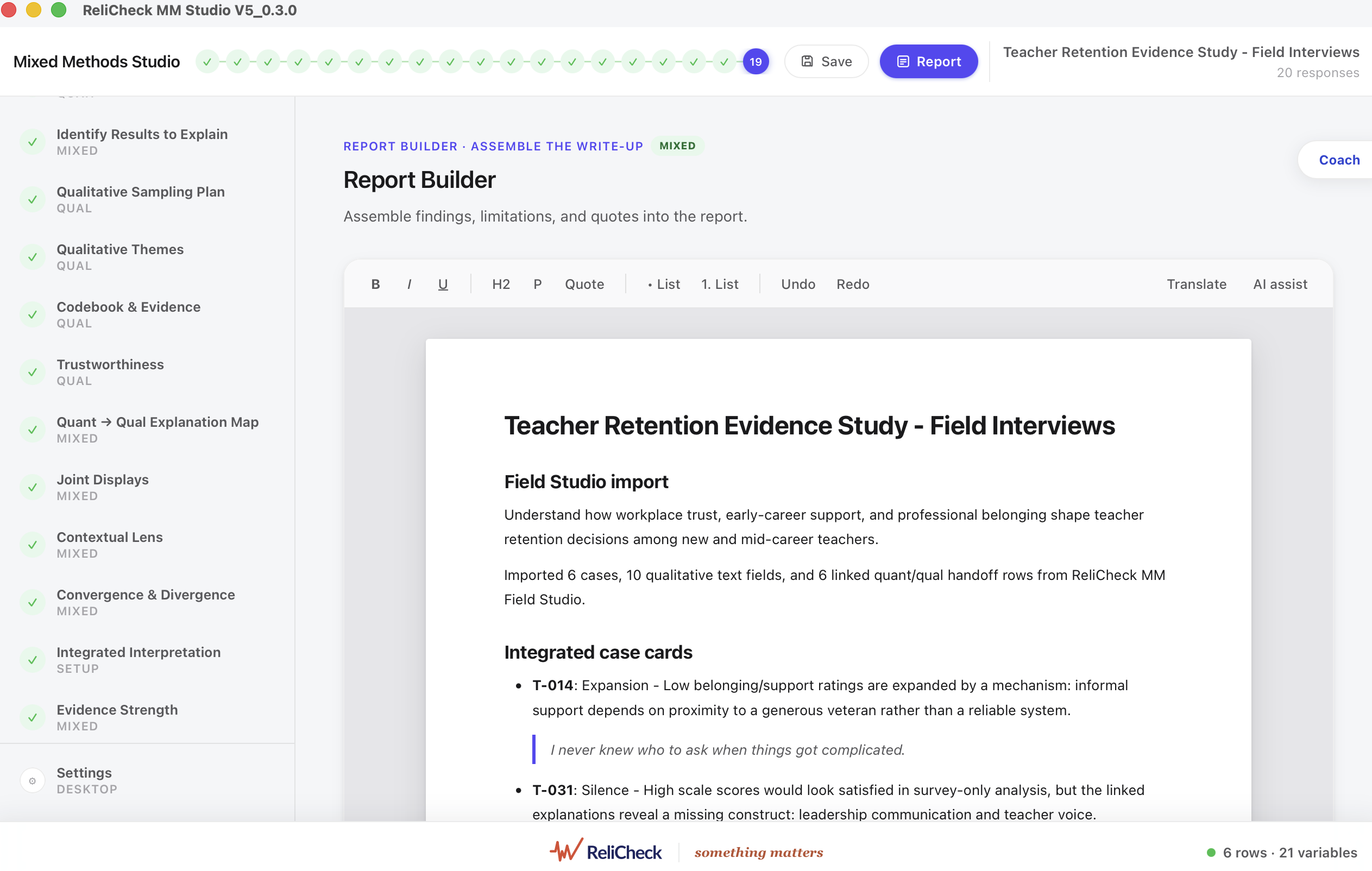
Findings, joint displays and meta-inferences assemble into an editable document formatted for the manuscript. Export to Word or PDF with the formatting intact.

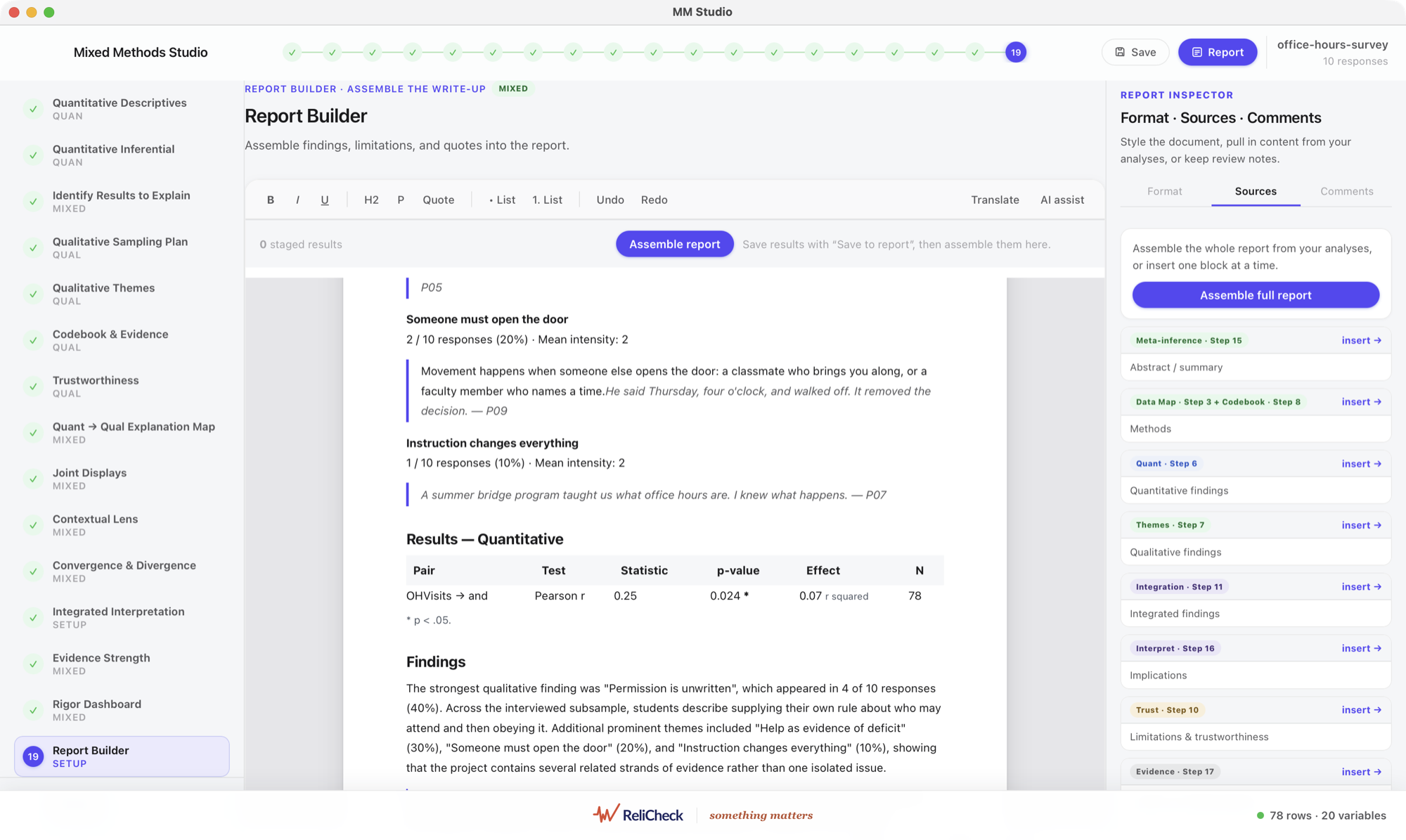
A Mac app for deeper analysis, with your study and your data on your own machine. Open field packages from iPad and bring in your ReliCheck survey data.
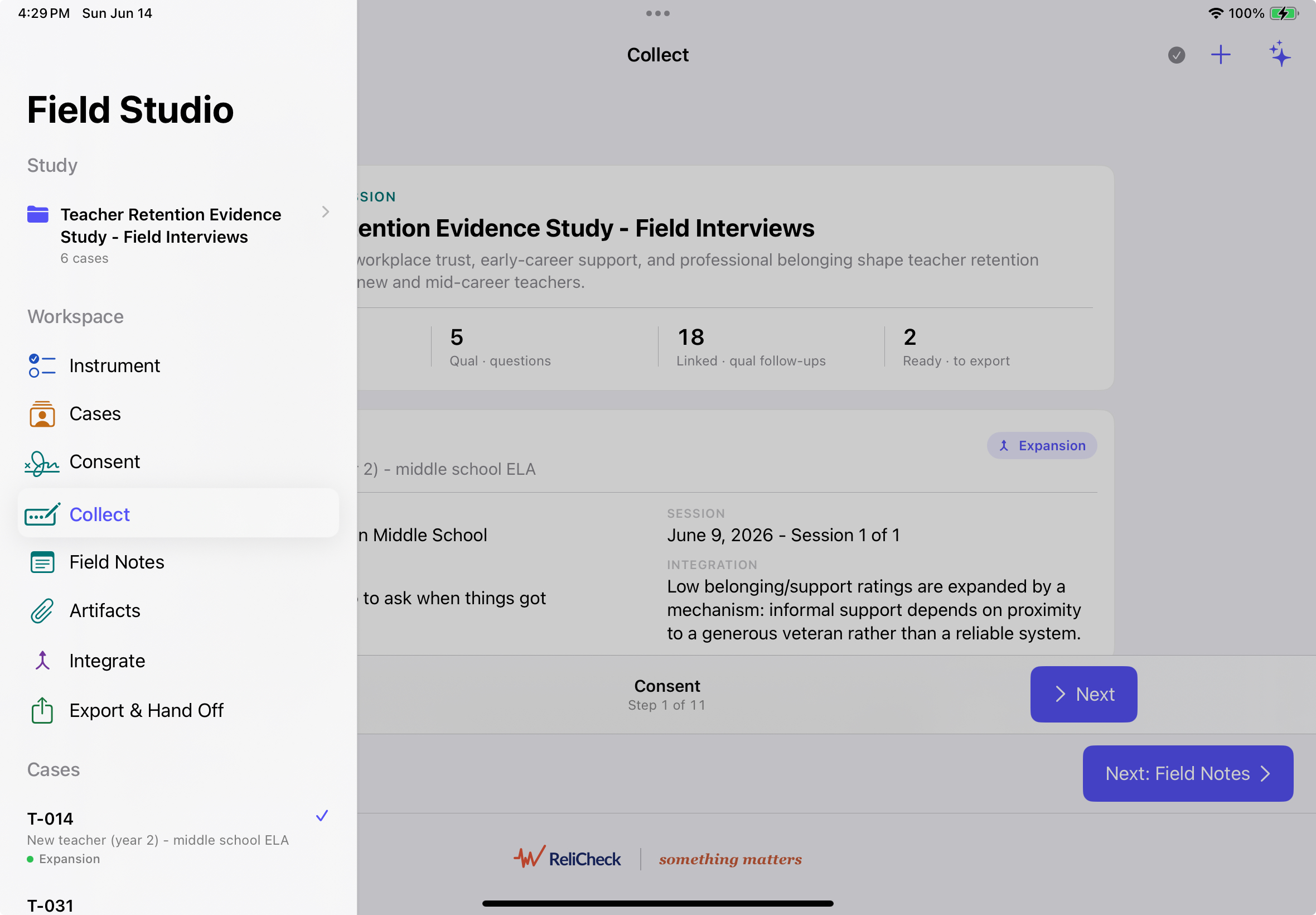
MM Field Studio captures each rating together with the explanation behind it, at the moment of collection. Field packages open directly in MM Studio on your Mac.
Asserting that the strands converge is easy to write and hard to defend. Showing it, pairing by pairing, with a strength rating on each, is the whole point of the tool.

The Mac app keeps your study and your data local. Nothing about a mixed methods project requires it to live in somebody else's cloud.
Fourteen days free. Subscribe in the app or get it on the Mac App Store, same price either way, and the MM Field Studio iPad app is free.

Native to the Mac. True to your research.
Learn more about Quanta
Your interviews, codebook and themes never leave your Mac.
Learn more about QualaFourteen days free. On the Mac, with free field collection on iPad.
A mixed-methods platform built so integration is the foundation, not an afterthought: 8 of its 19 workflow steps are integration steps.
Runs on your Mac, with the free MM Field Studio iPad app for field collection. Analysis runs locally on your machine.
No. MM Studio stands alone. If you use Quala, your qualitative strand hands off in one click; Quanta findings travel too.
Joint displays, evidence-strength ratings, and APA-ready integrated reports you can edit and export.
MM Field Studio captures each rating with the explanation behind it, on site. Field packages open directly in MM Studio on your Mac.
Start a 14-day free trial on your Mac. Download the app from this site or get it on the Mac App Store.
If ReliCheck MM Studio contributed to a published analysis, please cite it in your methods section. Cite the version you actually used; the version is shown in the app under the About window.
ReliCheck LLC. (2026). ReliCheck MM Studio (Version 6.0.22) [Computer software]. https://relicheck.com/mmstudio/